1
Ask what they came to do.
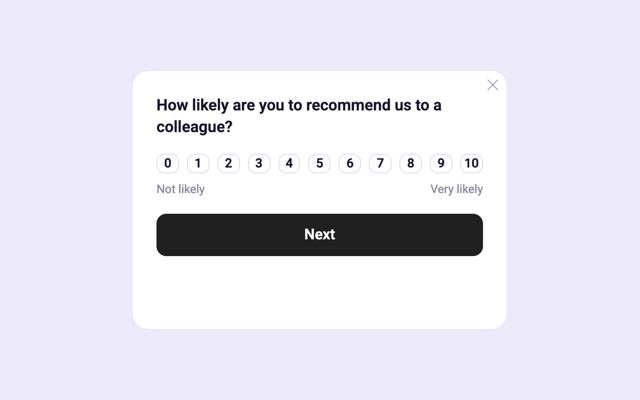
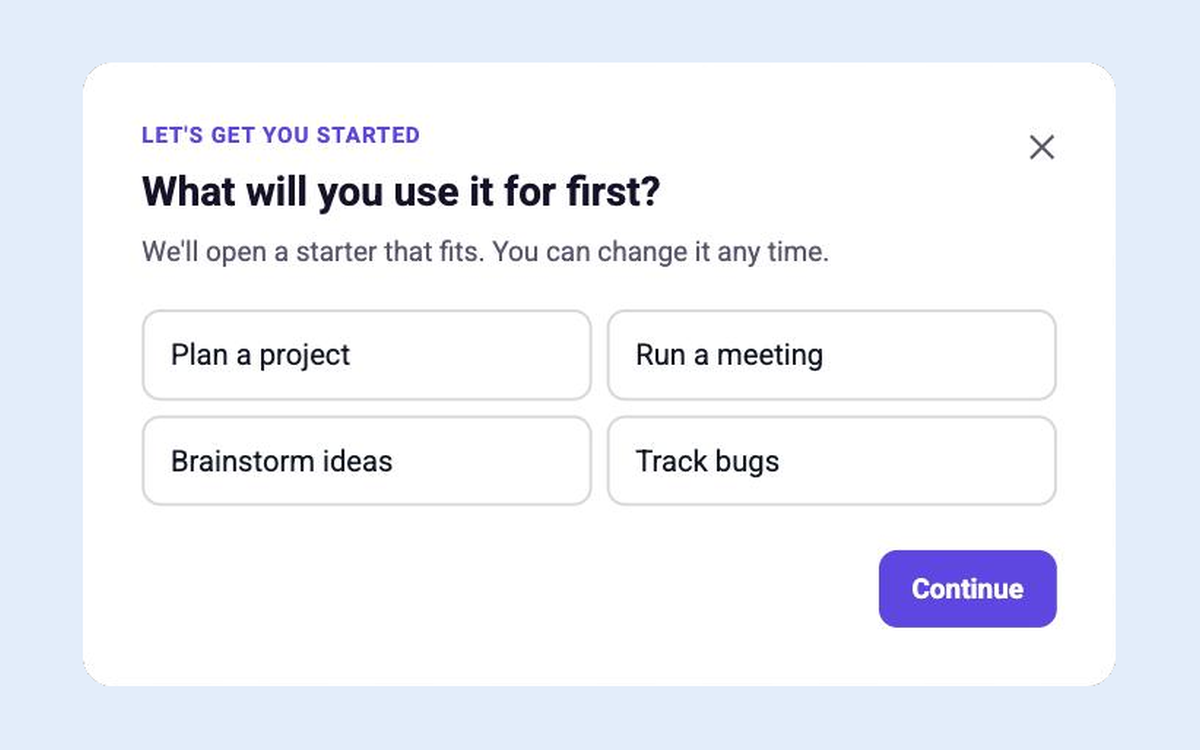
Most welcome surveys get answered, then the answers go nowhere. Here, the answer reshapes the home.

For product and growth teams
Show every user their next step, and deploy an AI assistant that can do it for them. Built by your team, live without a dev cycle.
No credit card required.
Product teams love Candu
4.5 / 5 on







The interface gets more helpful
when there's an agent behind it.
Shopify gets all four right. Here's what each one looks like in your product.
Most welcome surveys get answered, then the answers go nowhere. Here, the answer reshapes the home.
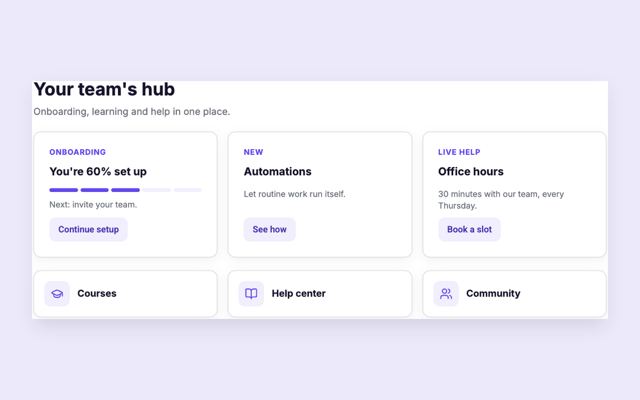
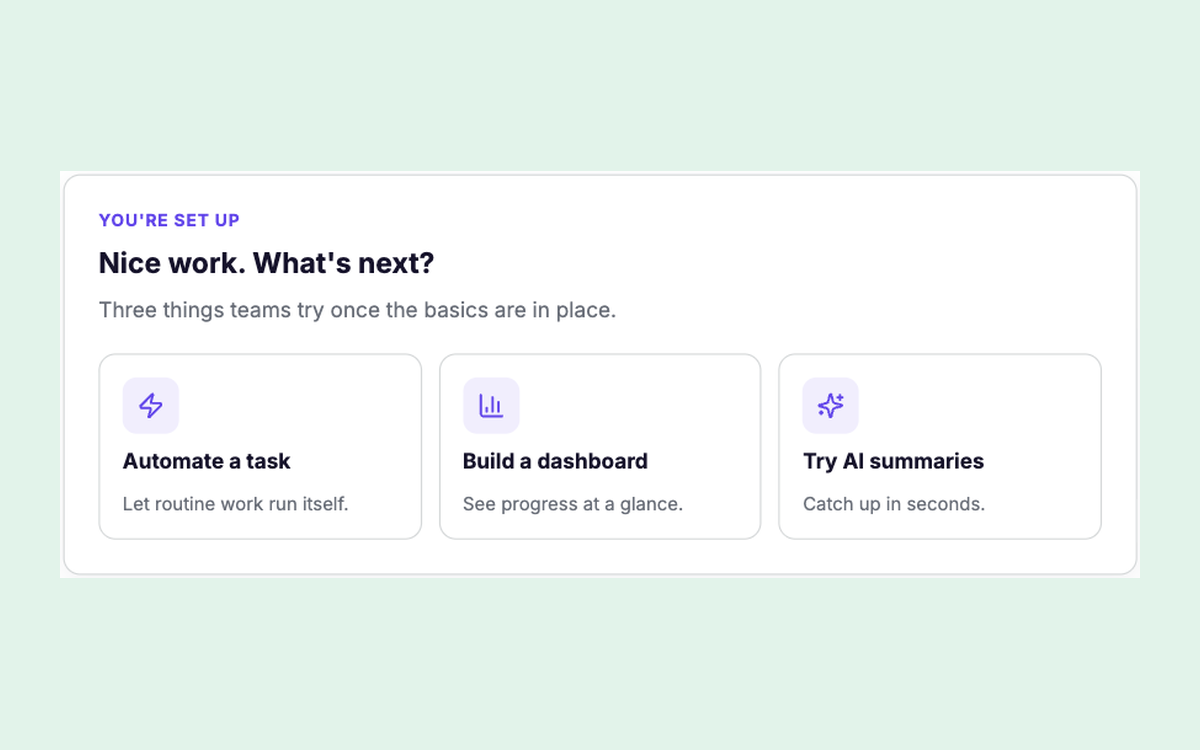
Setup cards that change with the answer, each one able to hand the user to the assistant.
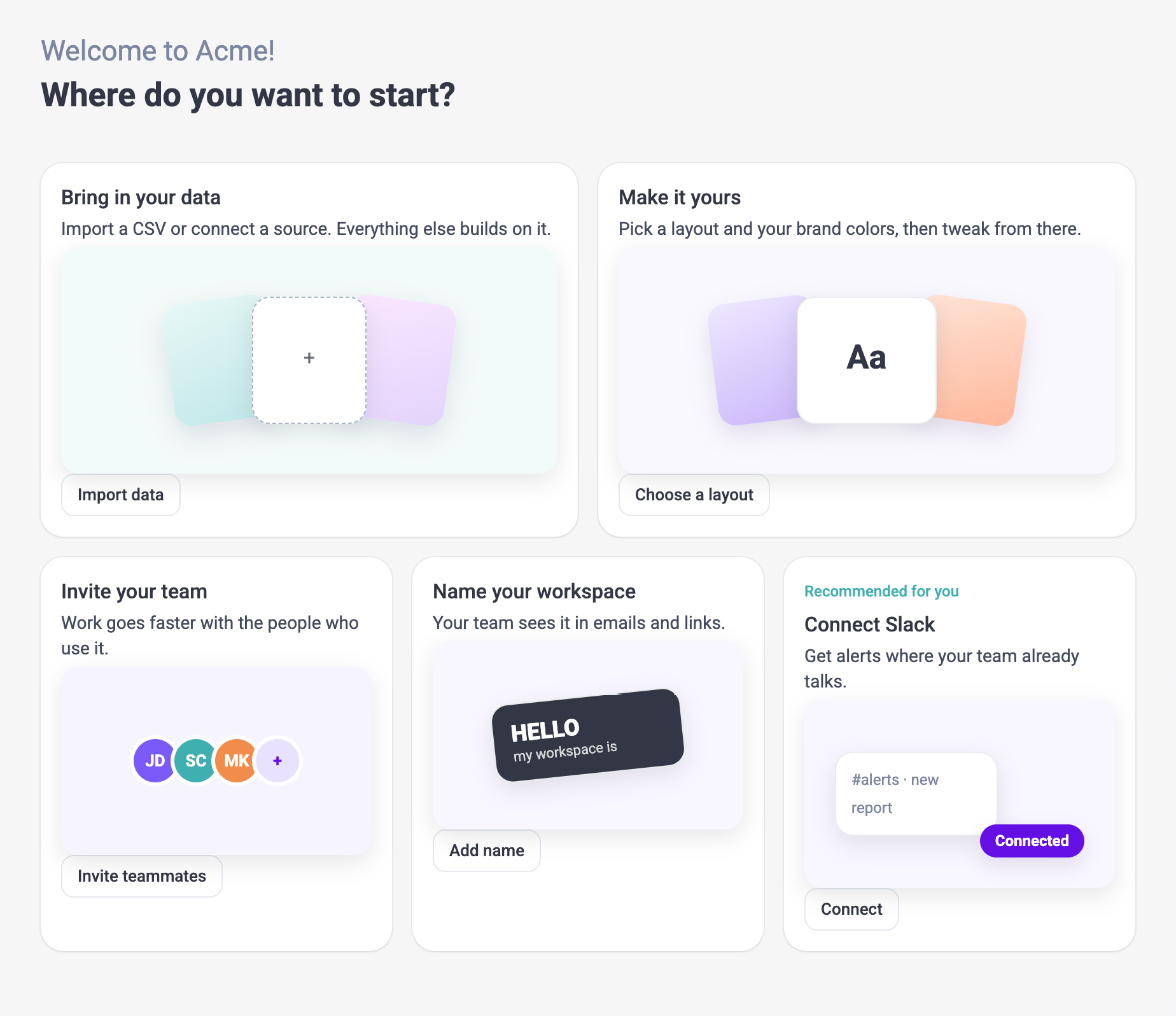
The card hands off to the assistant, the assistant does the step, and hands back.

“What do you want to work on next?” Every finished step opens the next path.
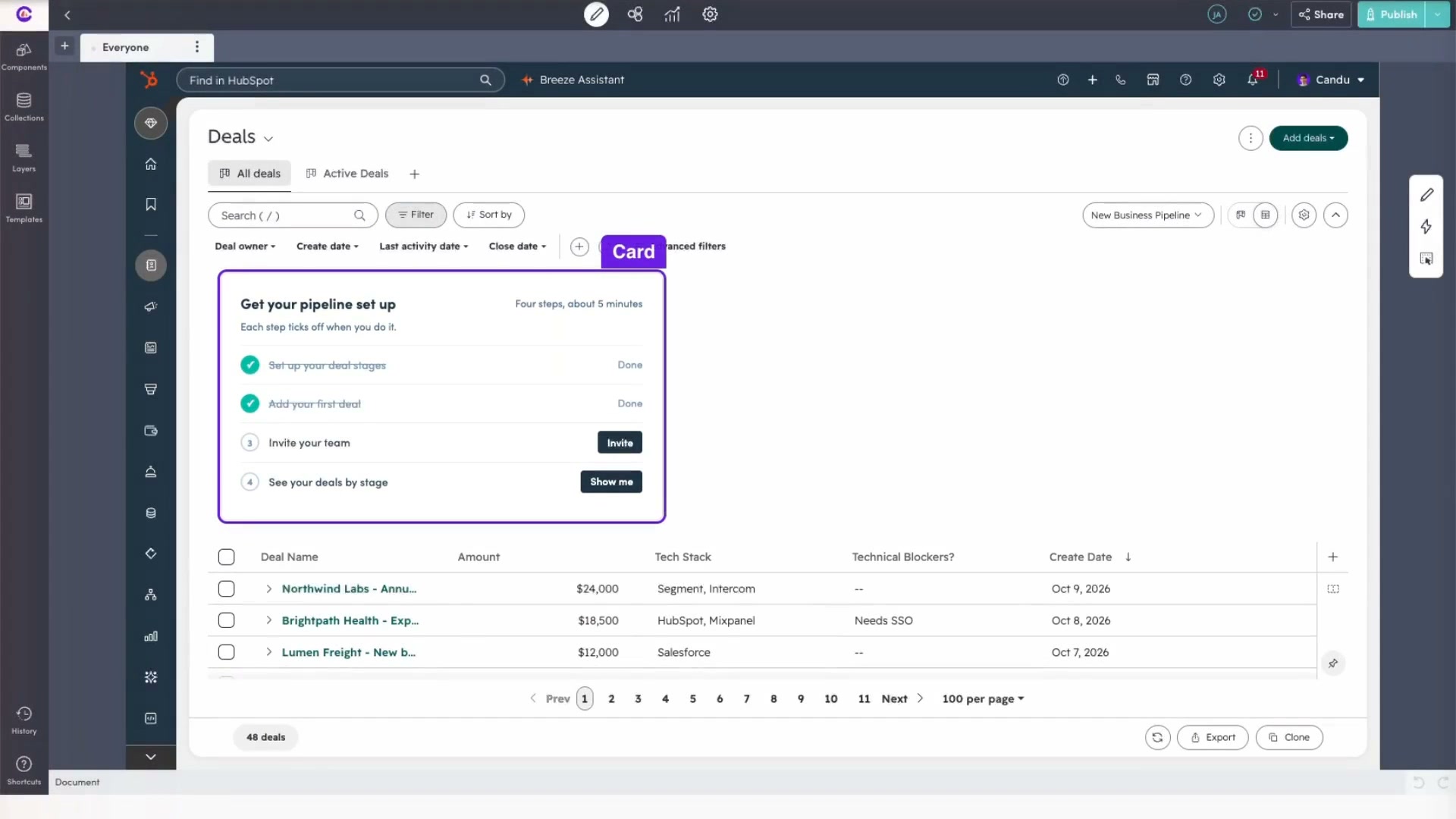
 Editor
Start from Claude, Figma or a template. Candu matches your brand and puts it live on the real page. Engineering doesn't have to touch it.



Claude · Figma · Candu
Targeting
Use the data you already have: traits, plans, answers, events. Different homes, banners and steps for different people, down to a single block inside a piece.
See targeting
AI assistant
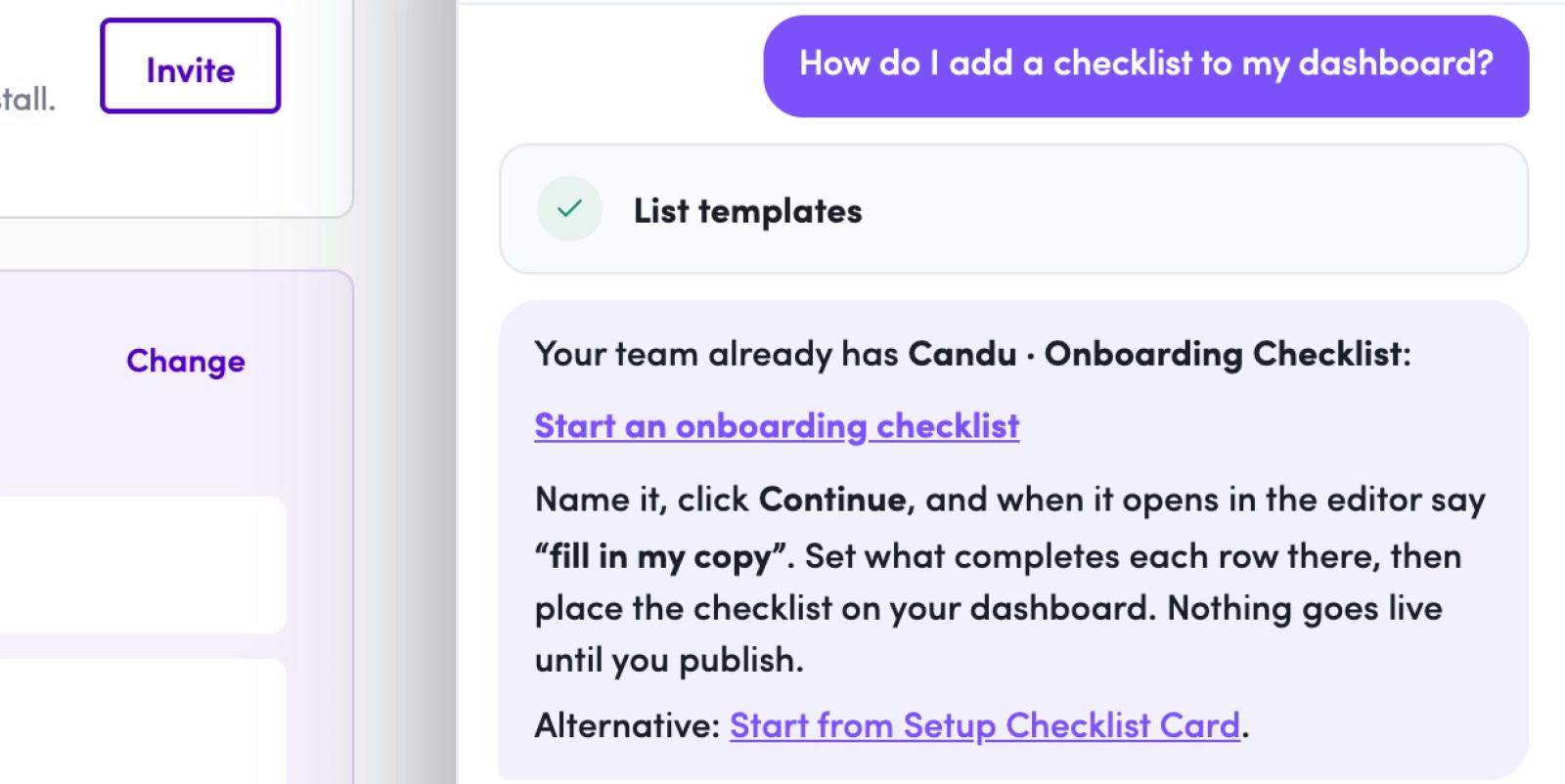

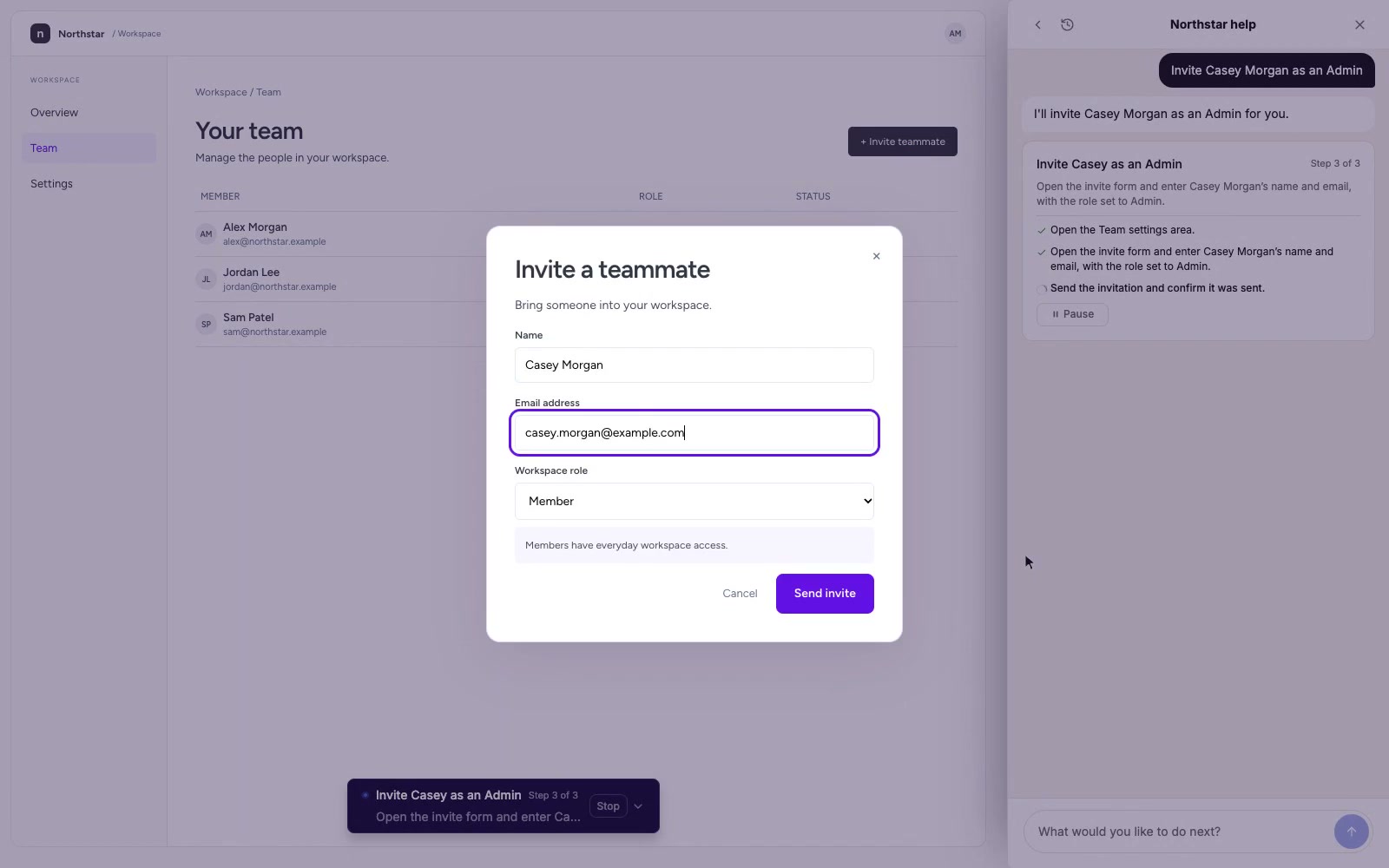
It asks before it acts, and tells you what's left.
How the AI assistant worksYou pick who sees it. You approve what it can do. You decide when it goes live.
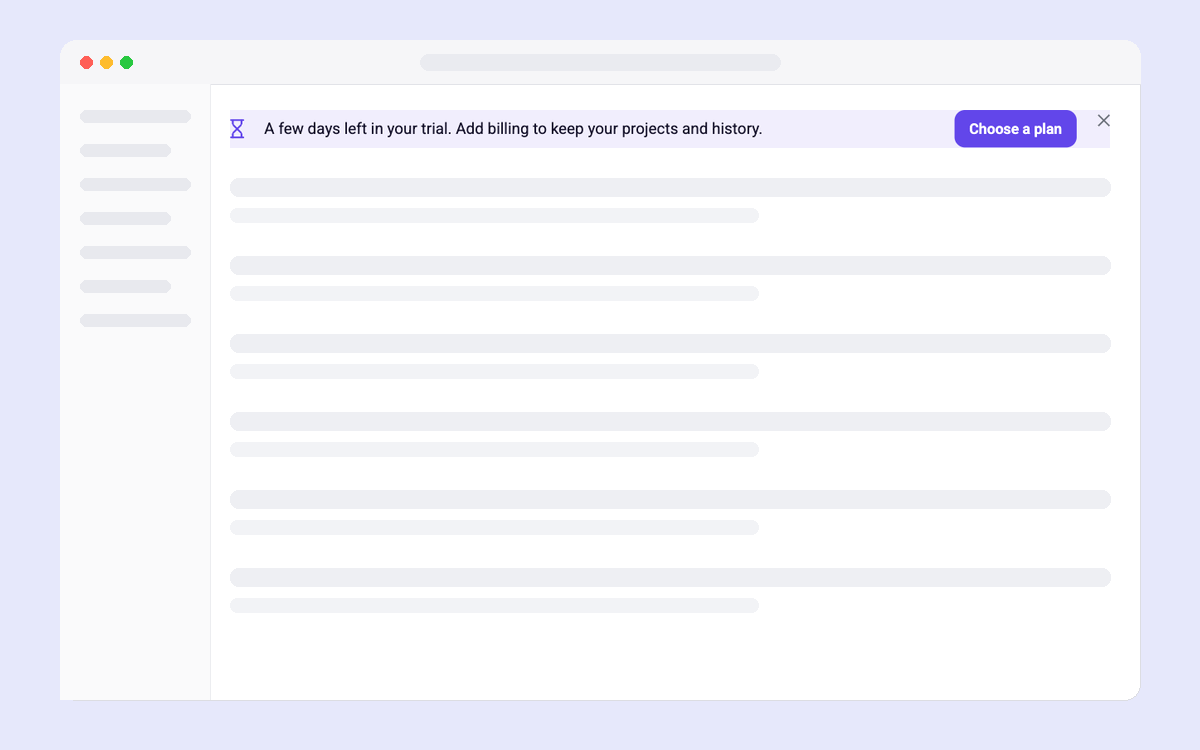
The question, the plan, the next step and the trial nudge, ready for your brand.
Read the Shopify teardown
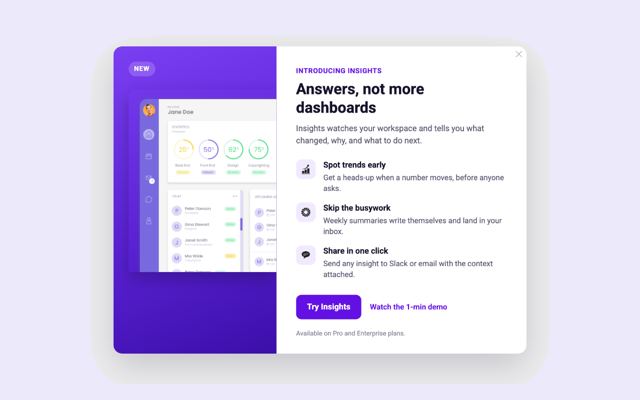
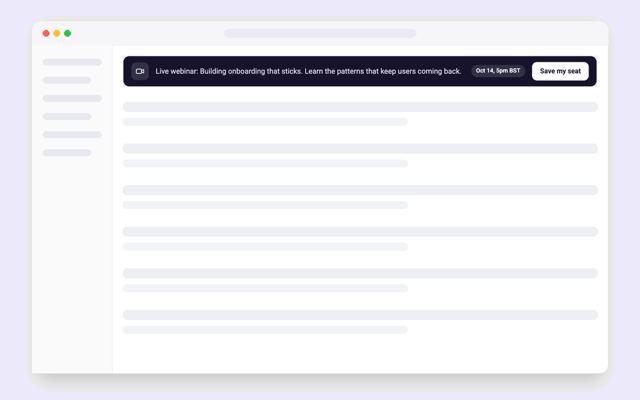
A launch modal that tells each plan what’s new.
“We can put content exactly where we need it and blend it perfectly with the UI, versus just popups like we used to.”

Erik
Growth Engineer at Gorgias

A tour inside the pipeline.

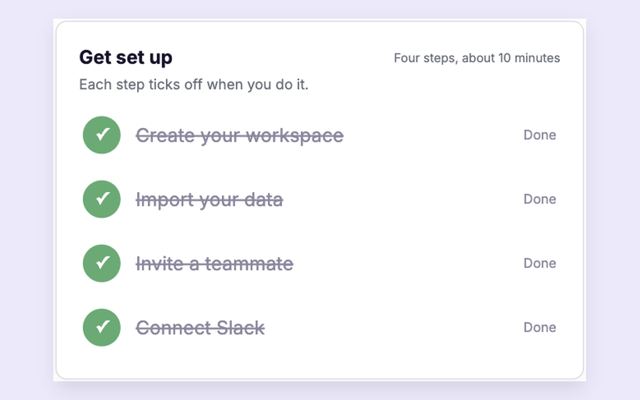
A checklist that changes with each step.
“It allow us to communicate with users in a very user-friendly way, without needing to use invasive traditional modals”
Rafael
VP of Growth at Genially
“Being able to incorporate elements directly inline in our UI, that look native, has performed way better than traditional in-app pop-ups.”
Scott
Director of UX at Salsify
“Candu is helping non-technical individuals to improve user journeys and learn through experimentation faster than ever”
Andrew
Senior Product Manager at Vidyard
“Candu is solving the problem of busy development teams by allowing other team members to update the UI without taking up developer resources.”
Alejandro H.
Director of UX at Thought Industries
“Using Candu reduces the dev cycle from two weeks to two days”
Khaireddine
Medius